
Account and help
Troubleshooting
Fixes for the problems we see most often: permissions, missing audio, the overlay, the Mobile Copilot, the Chrome extension, and sign-in.
Before anything else
Make sure you are signed in with the same account everywhere (web app, desktop app, extension), that the desktop app is up to date (Settings → About → Check for updates), and that you have at least 1 credit.
Desktop app
Two places fix most desktop problems: Settings → General → Quick Actions re-runs the permission check and replays the setup wizard, and ⋮ → Interview Setup holds the resume and role the answers are built from.
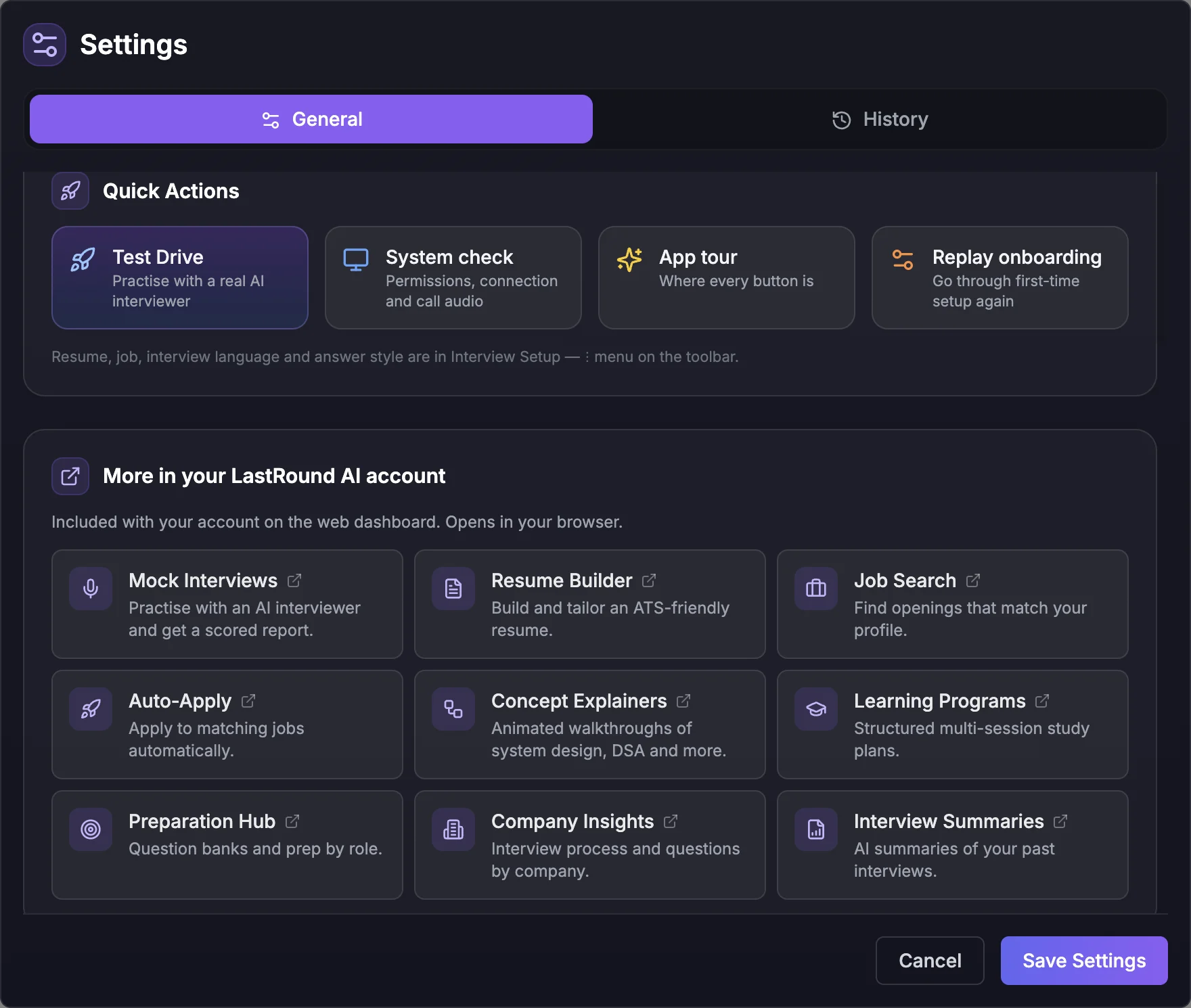
What each Quick Action does, including what Test Drive costs, is in the Quick Actions section of the desktop setup guide.
Desktop 5.0: common questions
Things people ask most since the 5.0 update.
Still stuck?
Signed in? Open a ticket under Account → Support in the app. Otherwise use the contact form or email. Tell us what you tried, which page of this guide you were on, and your operating system or browser.