
Interviews
AI Mock Interview
A real-time voice interview that adapts to your answers, grounded in your resume and target job, with a written report at the end. Billed at 1 credit per minute while connected.
Step 1: Open Practice → Mock Interview
The AI Mock Interview page shows your credit balance, the rate (1 credit/min), the session range (5–60 min sessions), a History button and Start Interview.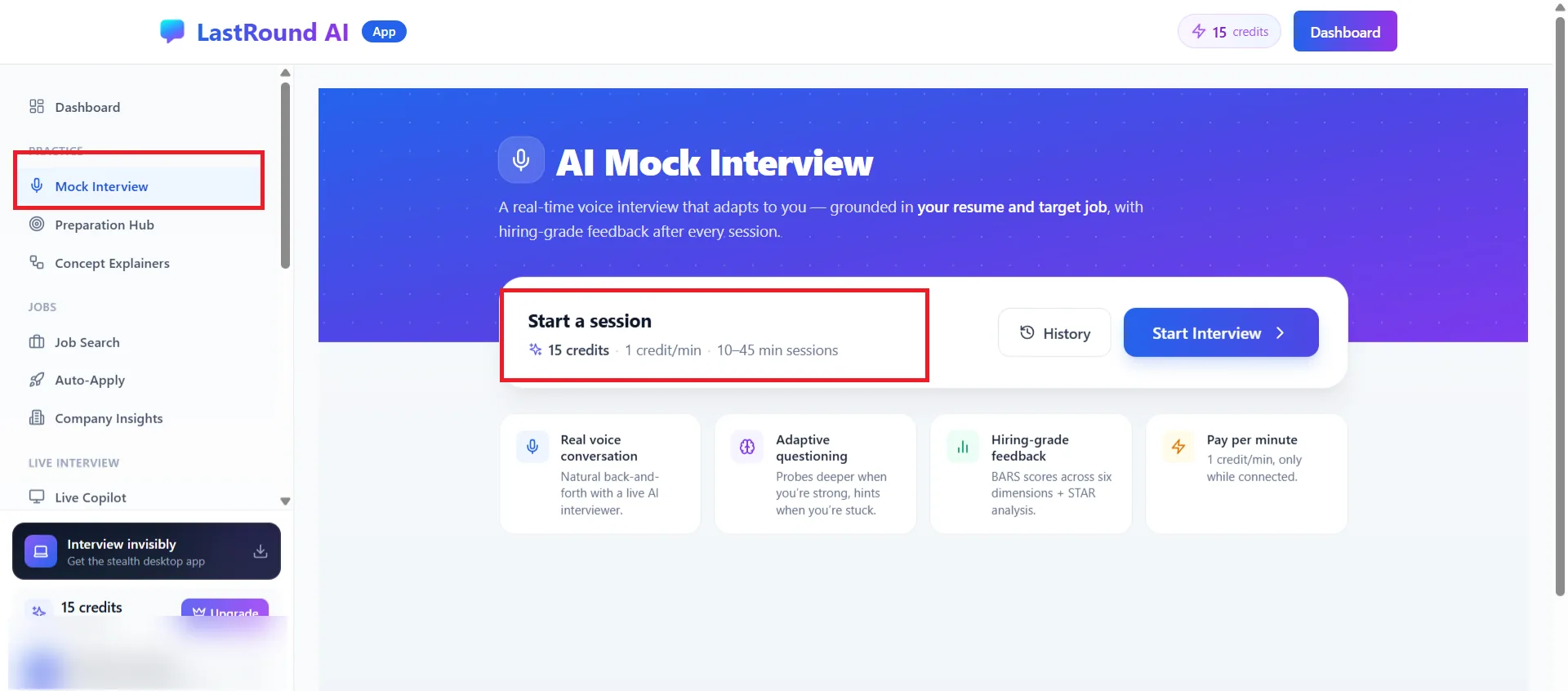
Practice → Mock Interview. Click Start Interview to configure a session. Step 2: Choose the interview format
On Configure Your Interview pick a format: Technical (concepts, trade-offs, architecture decisions), Behavioral (STAR stories, competencies, leadership principles), Coding (a live code editor where you write, run and test code) or System Design (scalability and distributed-systems trade-offs). Coding sessions can add up to three Focus topics.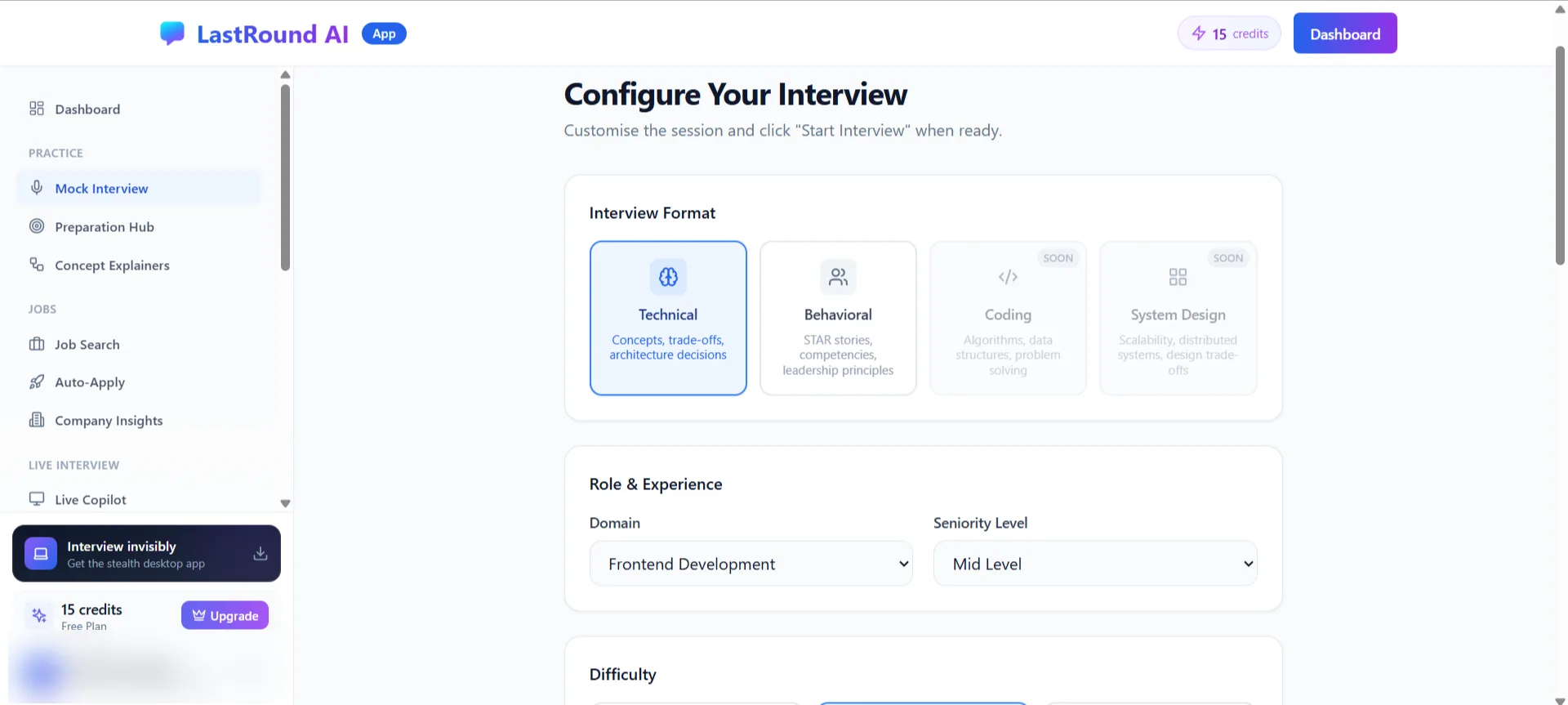
Interview Format, then Role & Experience. Step 3: Set role, difficulty and duration
Under Role & Experience choose a Domain and a Seniority Level (Intern through Director / VP / Exec). Under Difficulty pick Easy, Mid or Hard. Under Duration choose 5 to 45 minutes. The green box shows Estimated cost in credits against your available balance before you commit.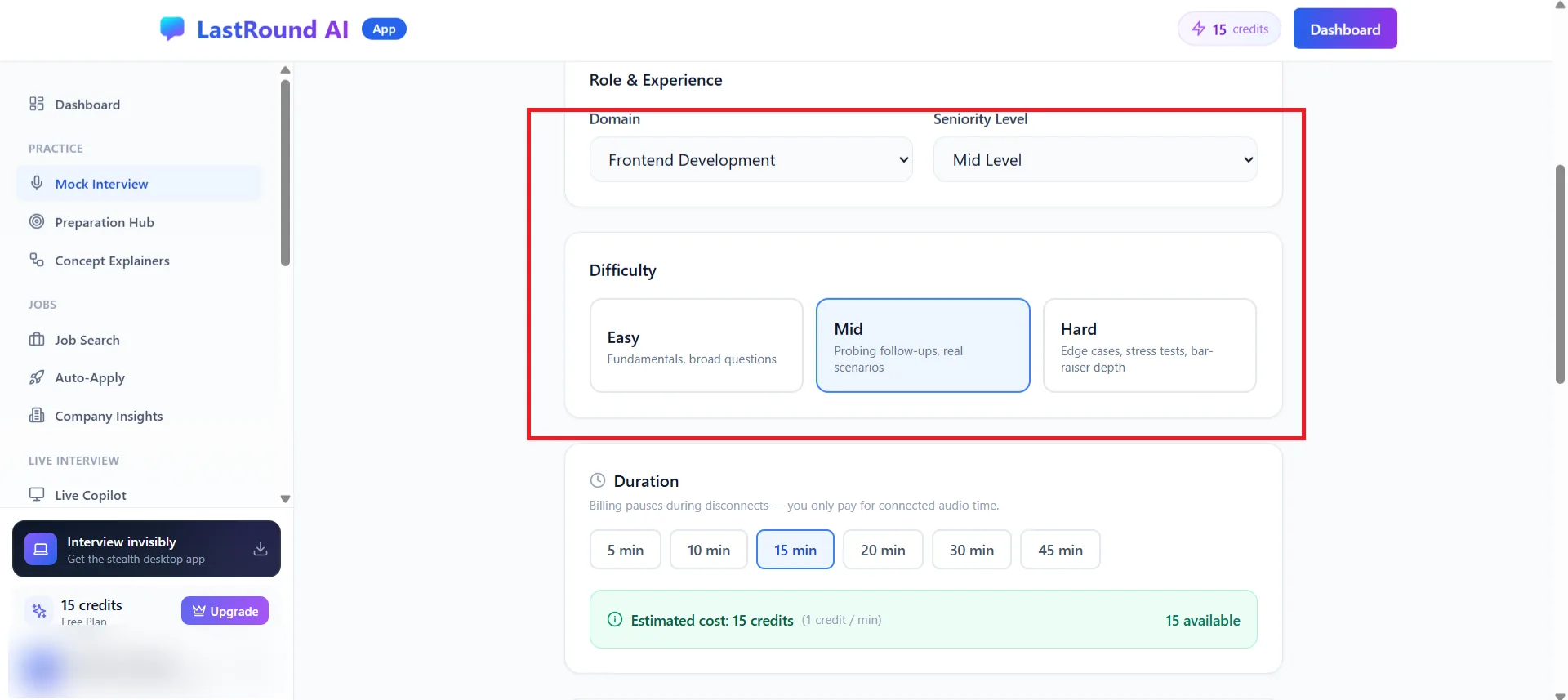
Estimated cost is shown before you start. Billing pauses during disconnects. Step 4: Optional: feedback mode, company calibration, resume and job description
- Feedback Mode: Realistic (End) delivers all feedback in the final report, like a real panel. Coaching (Turn) adds a brief coaching note after each answer.
- Company Calibration: Standard, Amazon (Leadership Principles and bar-raiser depth) or Google (GCA, role knowledge, leadership, Googleyness).
- Resume, Stack & Job Description: attach a resume, list key technologies and paste the target job description so questions match the role.
Step 5: Click Start Interview and allow the microphone
Your browser asks for microphone access; allow it. The interviewer speaks to you and listens to your answers; a live transcript runs alongside. The header shows the format, domain, level and a timer. Click End Interview to stop early; you are only charged for connected time.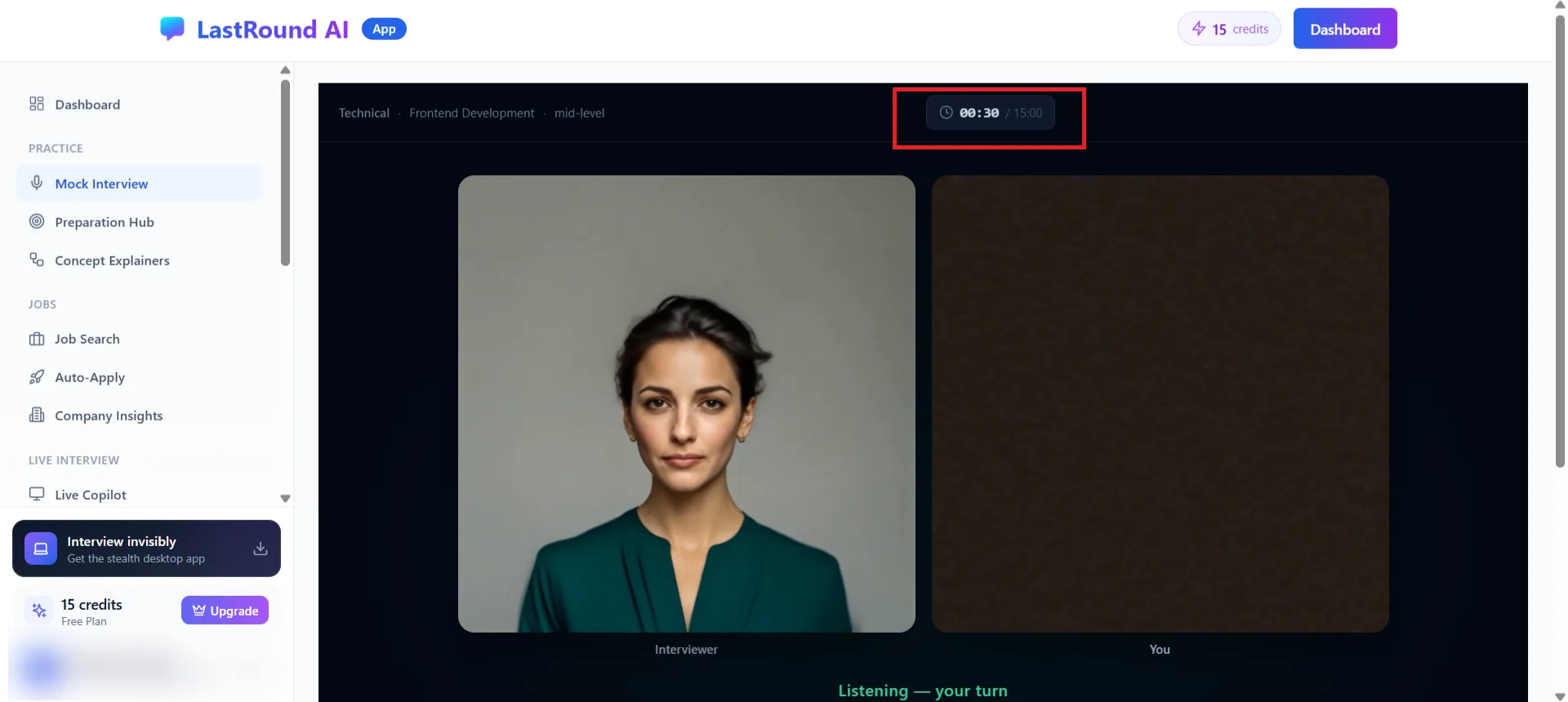
A running session. The status line tells you when it is your turn to speak. Headphones help
Use headphones or a headset so the interviewer's voice is not picked up by your microphone, and speak in full sentences; the interviewer waits for you to finish.
Step 6: Open the Interview Report
When the session ends you land on Interview Report: strengths, areas to improve, a company fit section when calibration was used, filler-word count and a question-by-question breakdown. Past reports are under History on the Mock Interview page.
| Item | Details |
|---|---|
| Cost | 1 credit per minute of connected audio; the estimate is shown before you start. |
| Length | 5 to 45 minutes per session. |
| Formats | Technical, Behavioral, Coding, System Design. |
| Needs | A microphone and a browser that allows microphone access. A resume is optional but recommended. |
| Also available | Company Interview Loops: multi-round practice modelled on a specific company's process, linked from the setup page. |
Practising inside the desktop app instead?
The desktop app has its own Test Drive under Settings → Quick Actions. It is billed the same way (1 credit per minute) and is a good way to rehearse the overlay controls before a real interview.
Still stuck?
Signed in? Open a ticket under Account → Support in the app. Otherwise use the contact form or email. Tell us what you tried, which page of this guide you were on, and your operating system or browser.