
Help Center
How can we help you today?
Setup guides, how-tos and short videos for every part of LastRound AI, in the order a new user needs them.
Watch first
From install to your first practice run, in four short videos.
 2:38Video 1Install and set up
 3:35Video 3Interview Setup
 1:33Video 4Try the free demo interview
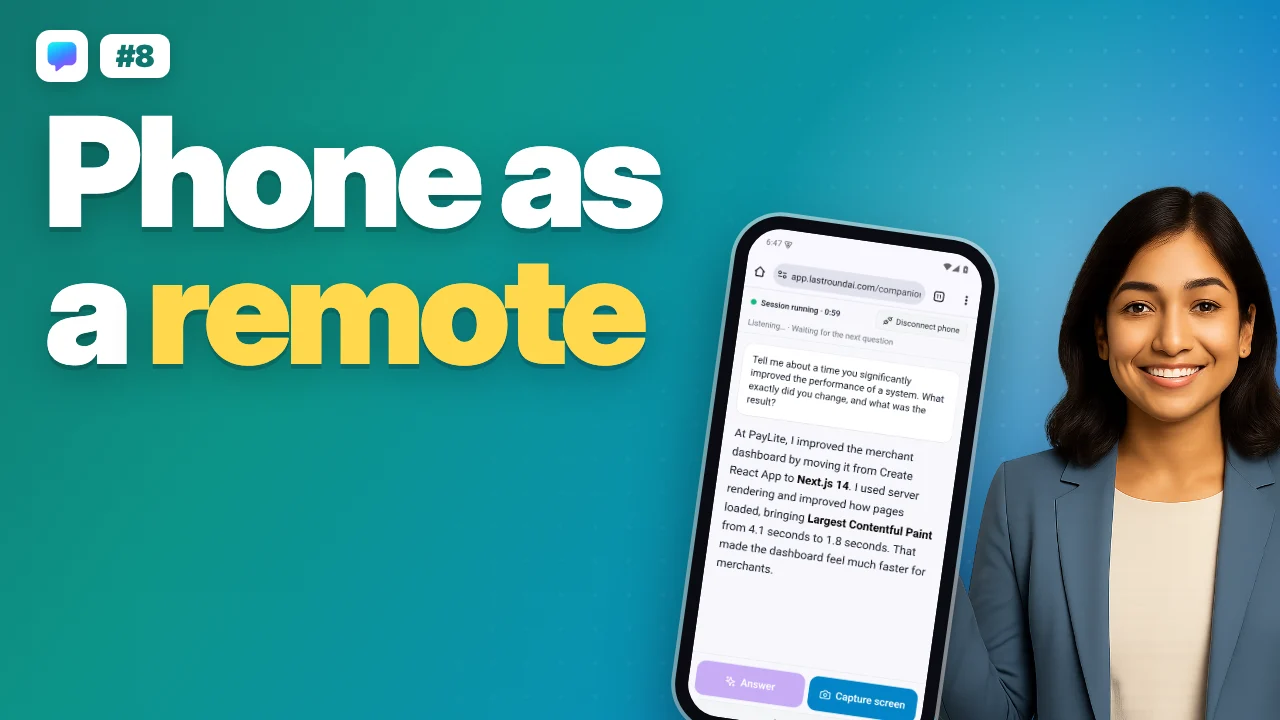 1:45Video 8Phone mode
Set up in this order
Step 1: Create your account
Sign up at app.lastroundai.com with Google or email. New accounts start with free credits.
Step 2: Install the desktop app
Download for macOS or Windows, open it, sign in, and grant the Screen Recording permission.
Step 3: Fill in Interview Setup
Open ⋮ → Interview Setup in the desktop app: upload your resume, pick the category and domain, paste the job description and choose how the AI answers.
Step 4: Run a practice session
Use the AI Mock Interview, or the free demo interview in the desktop app if you have a new free account.
Step 5: Use the Live Copilot in a real interview
Start the desktop overlay (invisible on screen share). For phone or in-person interviews, use the Mobile Copilot.
Step 6: Prepare, search and apply
Preparation Hub, Concept Explainers, Job Search, Auto-Apply, Company Insights and the Resume Builder.
Browse every guide
Start here
3- Video tutorialsTwelve short videos for the desktop app, from install to your first interview, coding rounds and credits.
- Create your accountSign up or sign in at app.lastroundai.com and find your way around the dashboard.
- Desktop app setupGet the invisible desktop copilot running on macOS or Windows and grant the one permission it needs.
Interviews
5- Interview SetupEverything before the interview: resume, role, interview language, how the AI answers, About you, prepared answers, memory, the audio check and the confirm screen, with examples.
- Live Interview CopilotReal-time answers during a real interview: desktop app, browser and mobile.
- Phone modeUse your phone as a remote and a bigger answer screen for the desktop app, and hide the app on your laptop.
- Desktop keyboard shortcutsEvery shortcut the desktop app registers, the three Answer keys, and why the keyboard beats the mouse in an online assessment.
- AI Mock InterviewPractise with a voice interviewer and get scored feedback.
Practice and learn
2Jobs
4- Job SearchFind live openings ranked against your resume.
- Auto-Apply and extensionMatch, review and apply with the LastRoundAI Job Copilot extension.
- Company InsightsInterview rounds, compensation bands, culture and prep tips for a company.
- Resume BuilderBuild, import or tailor a resume and manage your resume history.
What LastRound AI includes
Desktop app (macOS and Windows)
The invisible overlay for live video interviews and coding rounds. Hidden from Zoom, Meet and Teams screen share.
Web app at app.lastroundai.com
Dashboard, mock interviews, preparation tools, jobs, resume builder, Interview History, credits and settings. Live video interviews run in the desktop app.
Mobile Copilot
Open the web app on your phone for in-person or phone interviews. No app store download needed.
Chrome extension
LastRoundAI Job Copilot autofills job applications from your profile. Review-first: you always click Submit.
Already have an account?
Still stuck?
Signed in? Open a ticket under Account → Support in the app. Otherwise use the contact form or email. Tell us what you tried, which page of this guide you were on, and your operating system or browser.
We get back to you within 24 hours.