
Jobs
Company Insights
Interview rounds, question patterns, compensation by level, benefits and culture for any company and role, compiled from public sources with citations. The first report for a company takes about a minute; after that it is cached and instant.
Step 1: Open Jobs → Company Insights
Type the Company (for example Google, Razorpay, Stripe) and choose a Domain / Role such as Backend Engineering, Data Science or Product Management. Click Get Insights. Fresh reports search public sources for about 30 to 60 seconds; cached reports load immediately and show a freshness date.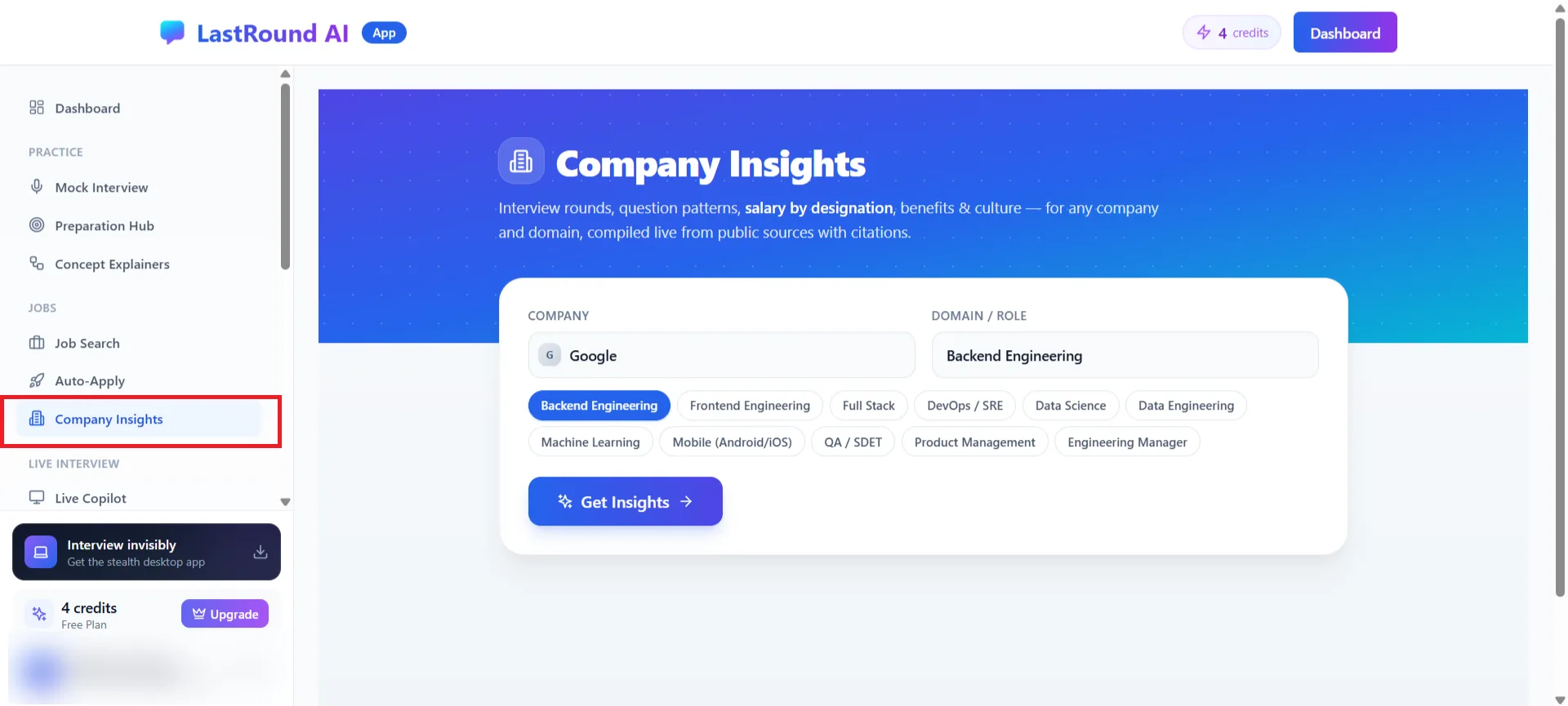
Jobs → Company Insights. Step 2: Overview and interview process
The report opens with an Overview of how the company hires and an Interview Process timeline listing each round in order (for example Resume Screening, Online Assessment, Technical Phone Screen, Onsite Loop) with expected duration and focus.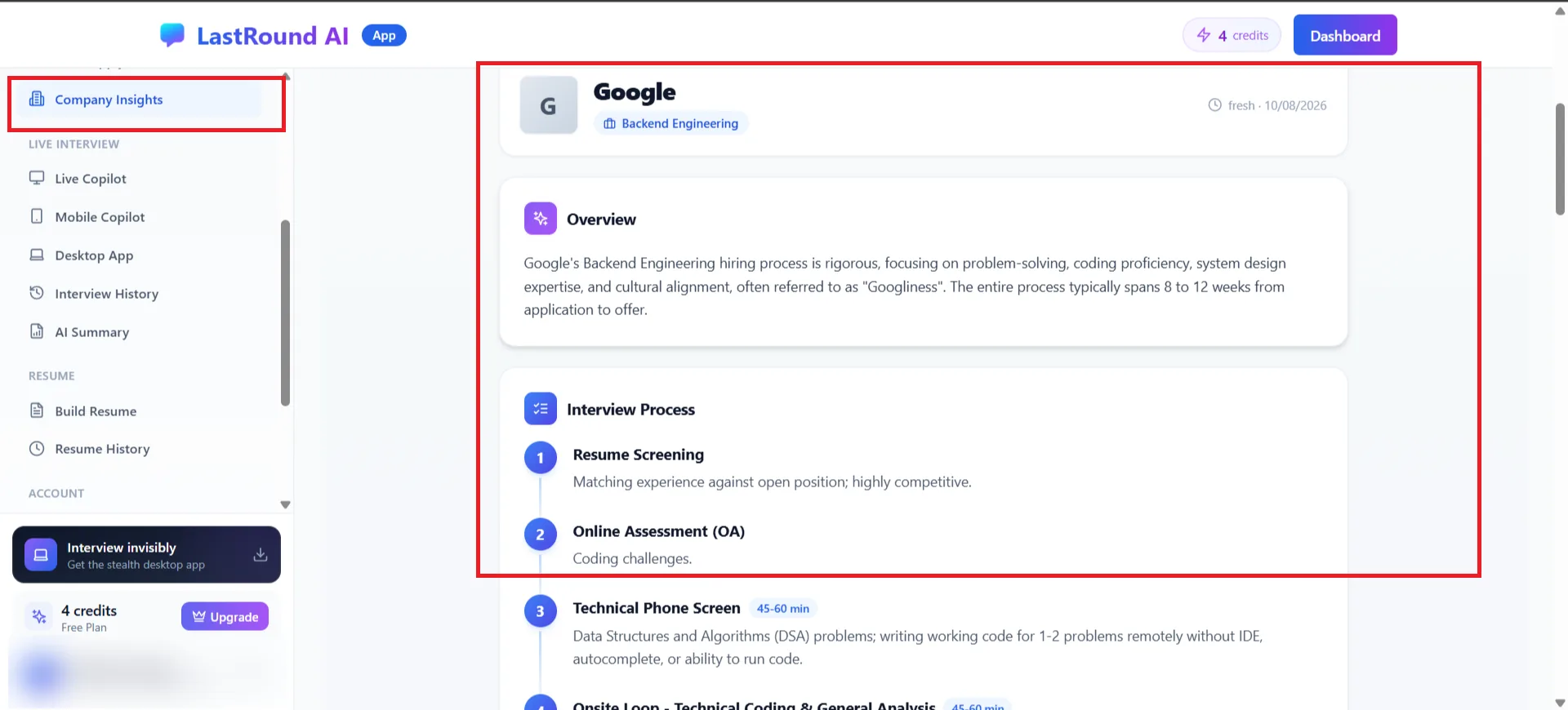
Overview and the Interview Process section. Step 3: Compensation by designation
Compensation by Designation lists pay bands per level with a base range, a total or equity range, a note on the experience expected at that level, and the sources the figures came from. Treat them as public estimates, not offers.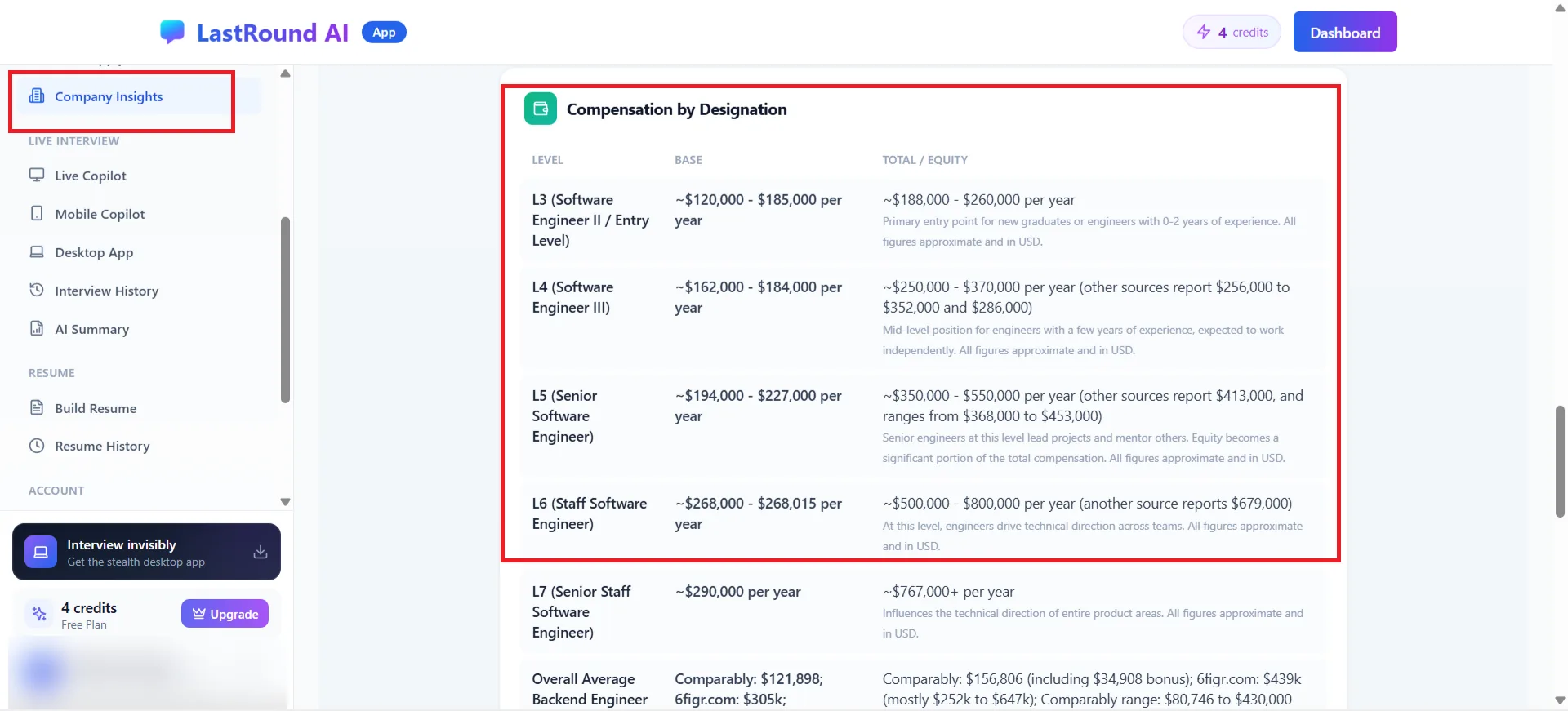
Compensation by Designation. Step 4: Benefits, culture and preparation tips
The report closes with Benefits & Perks, Culture & Values and Preparation Tips that map to the rounds above (for example tailoring your resume for the screening stage or using the STAR method for behavioural rounds).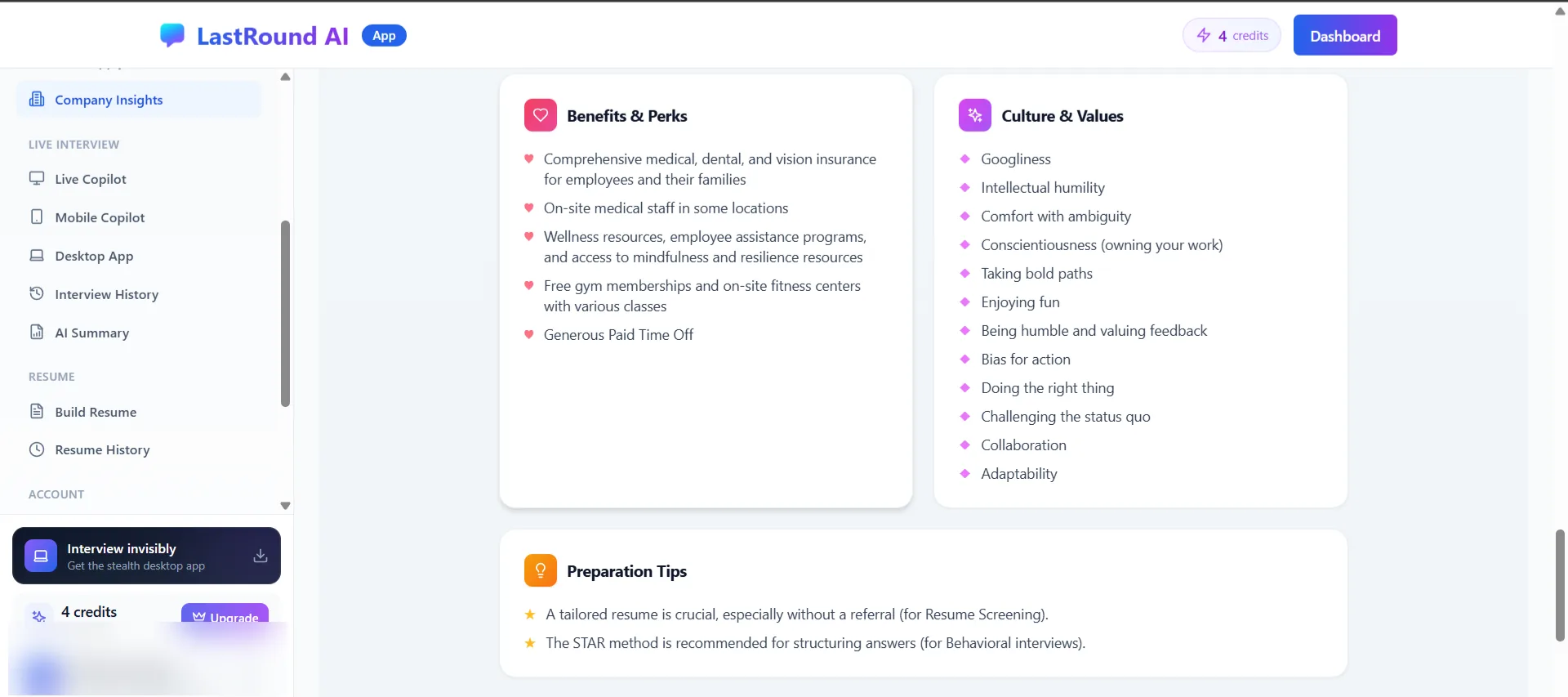
Benefits, culture and round-specific preparation tips.
Turn the report into practice
Use the interview process to pick a Company Calibration in the AI Mock Interview (Amazon and Google presets exist), and paste the role's job description into the mock setup so questions match the rounds you just read about.
Still stuck?
Signed in? Open a ticket under Account → Support in the app. Otherwise use the contact form or email. Tell us what you tried, which page of this guide you were on, and your operating system or browser.